 SocialShot
Turn live streams, podcasts, gameplay and long videos into short clips, while you're still live
SocialShot finds the moments people react to and gives you captioned vertical clips for Shorts, Reels and TikTok.
Windows 10 and 11. Cloud version coming in a few days. See how it works
- Free, no card
- Your own AI key
- Install guide by email
Stream once. Post everywhere.
SocialShot records, picks the best moments, captions them and posts them for you.
Your first clip is ready before the stream ends.
Add a creator once. SocialShot records when they go live, watches chat and voice, and saves a clip each time the stream lights up.
- Follows creators and starts on its own
- Clips while the stream is still running
- Twitch, Kick and YouTube Live
It finds the part people actually react to.
Every moment gets a score from what was said, how fast chat moved and how the voice changed. You see why each one was picked.
- A score and a reason on every clip
- Quiet stretches are skipped
- A hook and title written for each clip
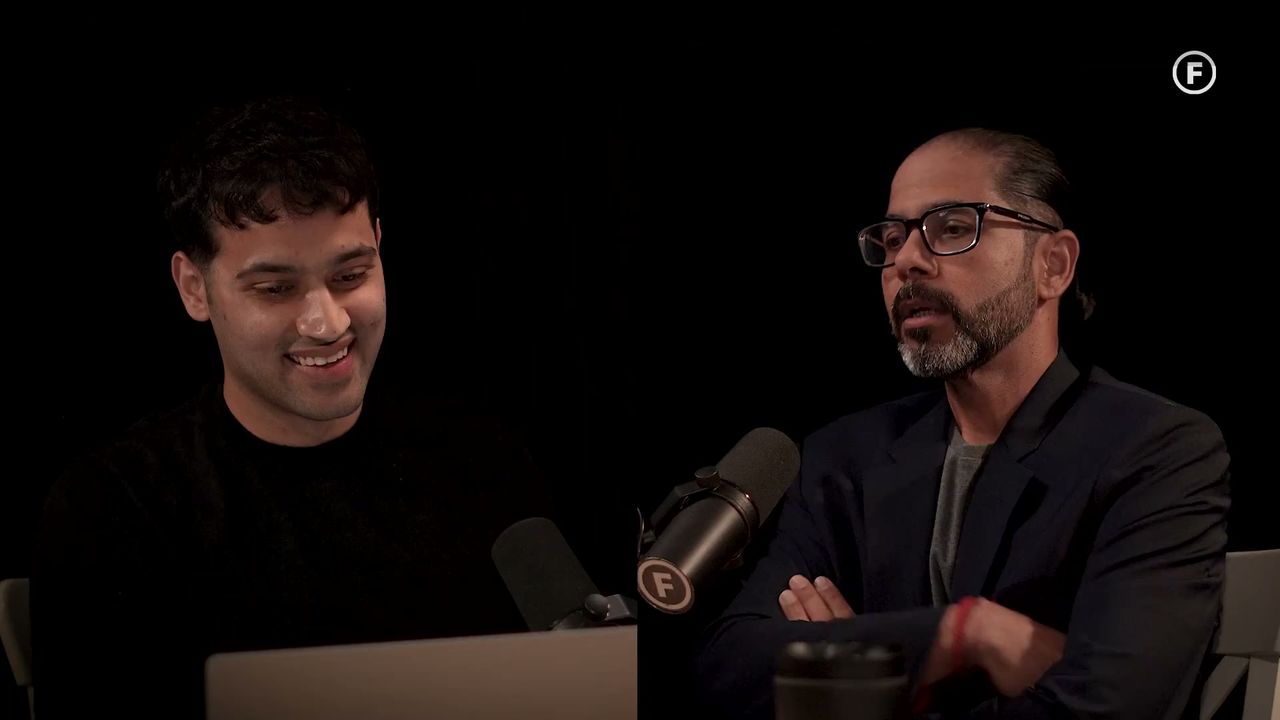
One wide video, every vertical layout.
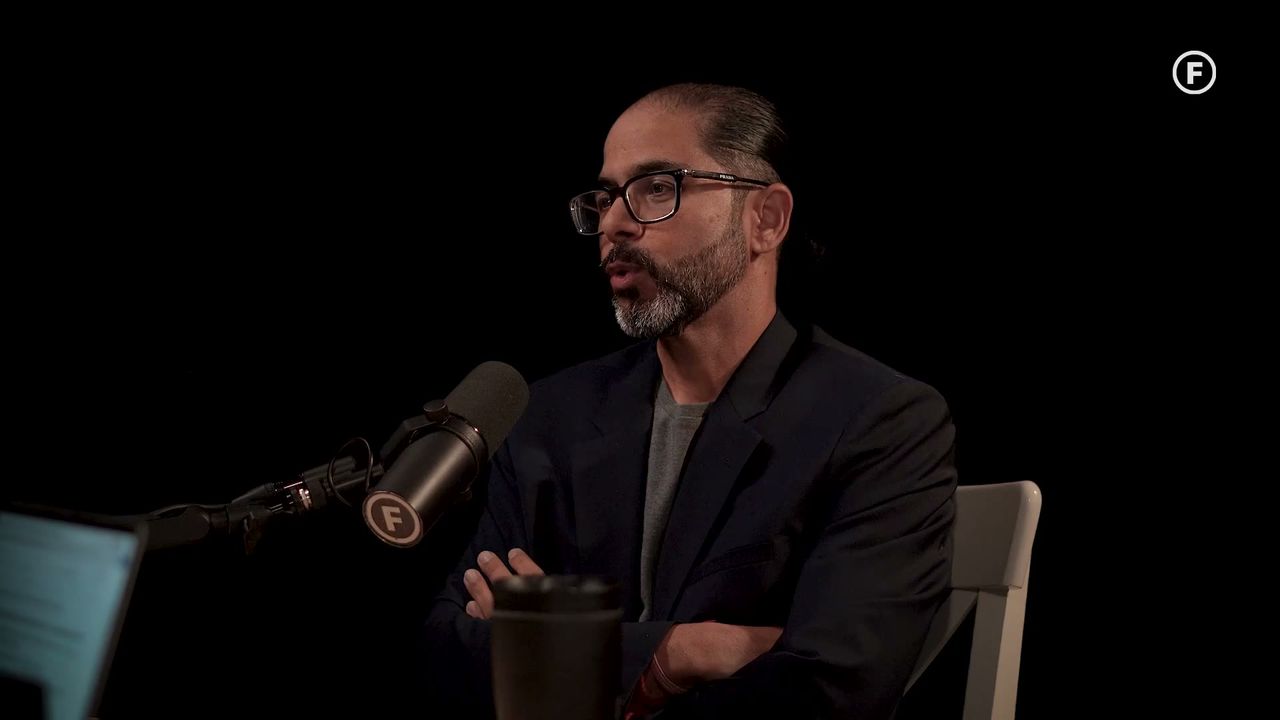
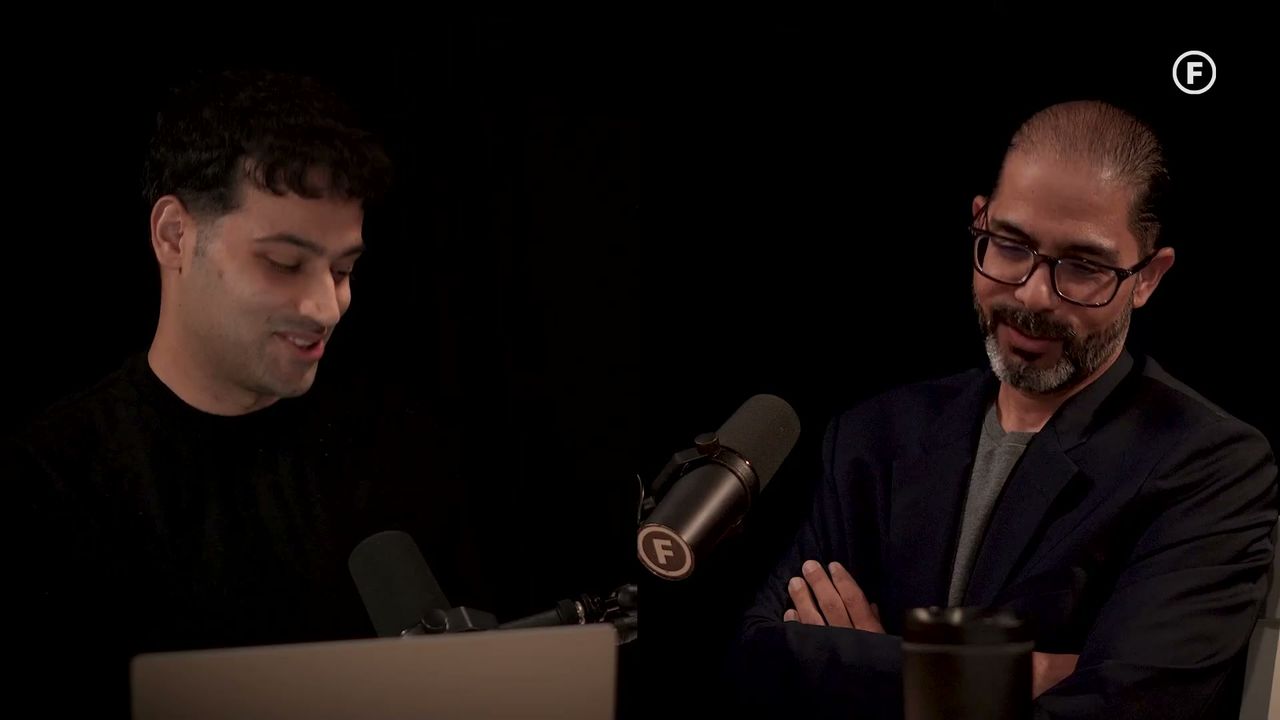
SocialShot frames the person talking for you. Stack two people in a split, keep the whole shot over a blurred fill, or fill the screen.
- Solo, split, picture in picture and trio
- The frame follows the speaker
- Change the layout on any clip, any time
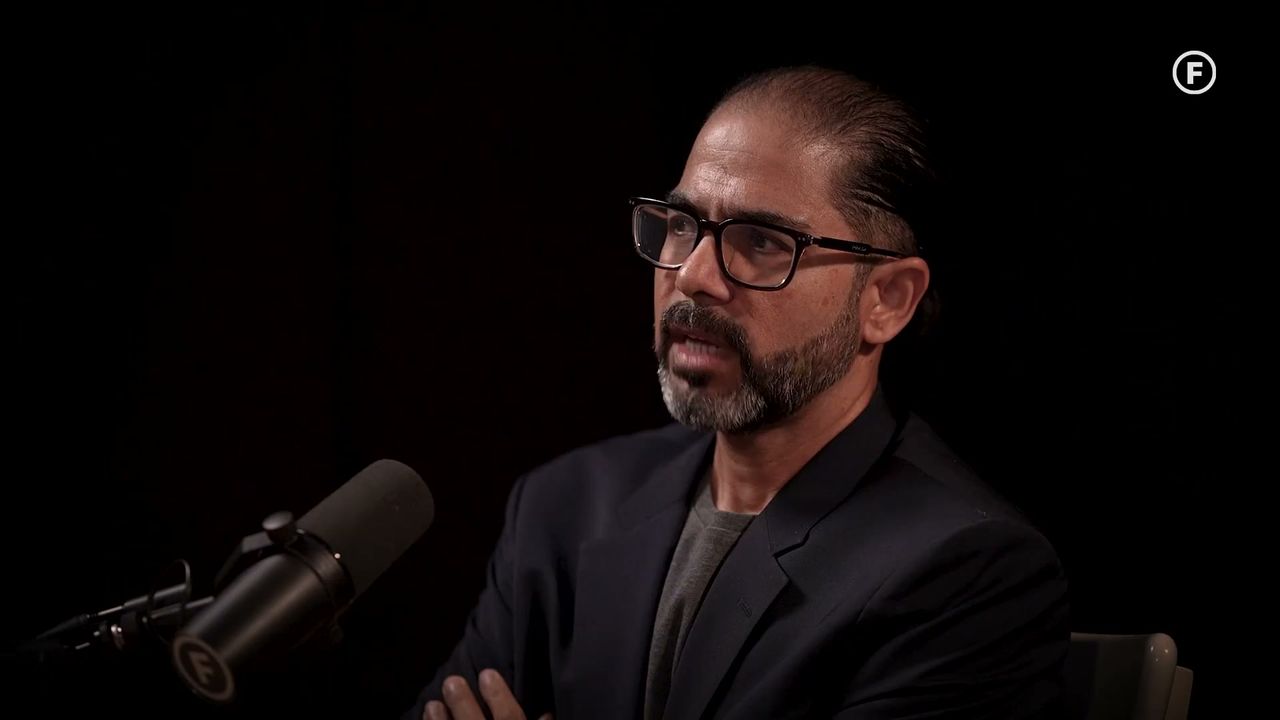

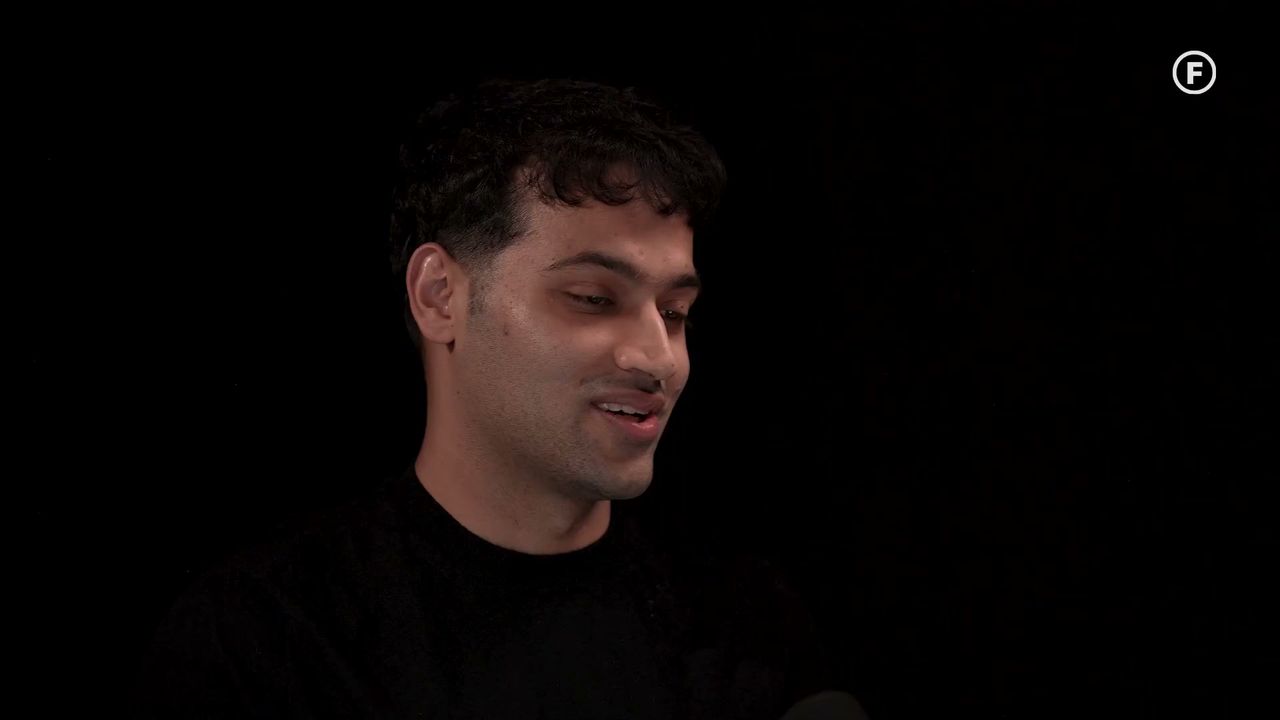
Word-by-word captions, already on.
Captions are written, timed to the voice and styled for you, with the word being said lit up. Pick a look or make your own.
- Timed word by word
- Eight ready styles, or your brand kit
- Fix any word in the editor
 0:31
Fix anything in a few clicks.
Trim the start, fix a word, change the layout or the look with a live preview. Save, and the clip is made again.
- Trim with handles on a timeline
- Change font, colours and size
- Download one clip or all of them
0:31here'swhatnobodytellsyou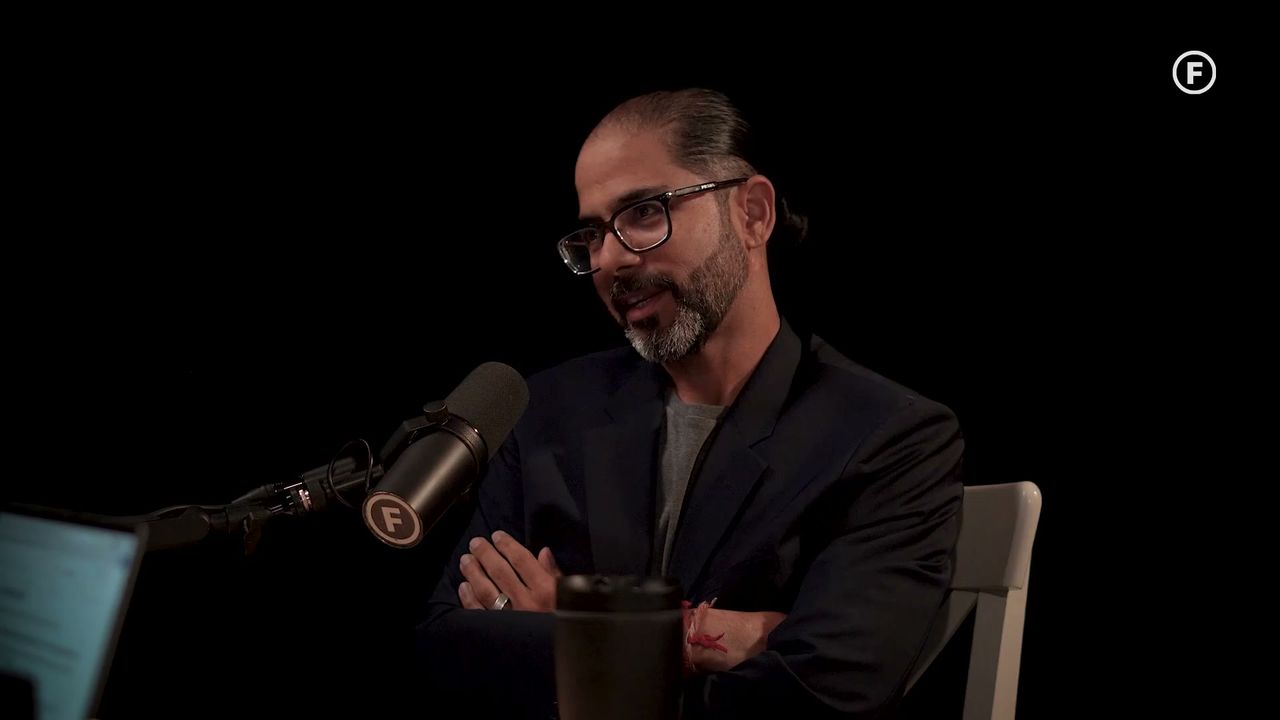
From stream to Shorts without downloading a file.
Connect your accounts, send a clip now or line it up, and it goes out on time.
- YouTube Shorts and Instagram Reels
- A schedule you set once
- Every post in one list
Framed for vertical
Every clip is cut to 9:16 with the speaker kept in frame.



Many creators, one account
Follow every streamer you clip for and keep their clips apart.
 provide value
FIRST
Hooks and titles
A short hook on screen and a title ready to paste, for every clip.
01-the-1v4-clutch.mp40:42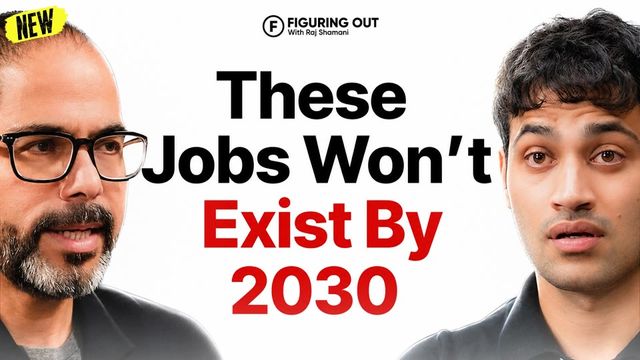 02-chat-loses-it.mp40:31
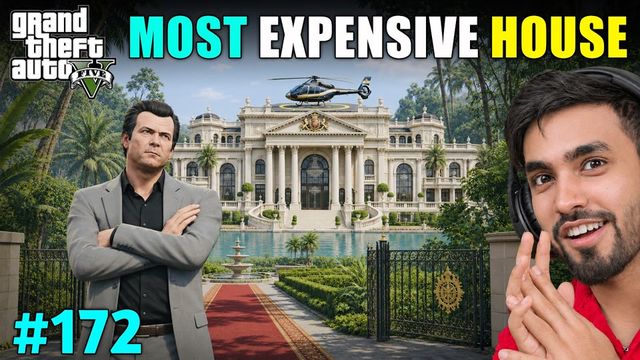 03-final-boss-rage.mp40:55
Download all at once
Grab one clip, or every clip from a video in a single ZIP.
Your own files
Drop in a recording from your computer and it is clipped the same way.
Cloud version, in a few days
The same SocialShot in your browser, with nothing to install and no key to set up.
From stream to clips in three steps
No timeline scrubbing, no watching hours back.
Paste a link or add a creator
A YouTube, Twitch or Kick link, a file from your computer, or a channel to record whenever it goes live.
1:35:03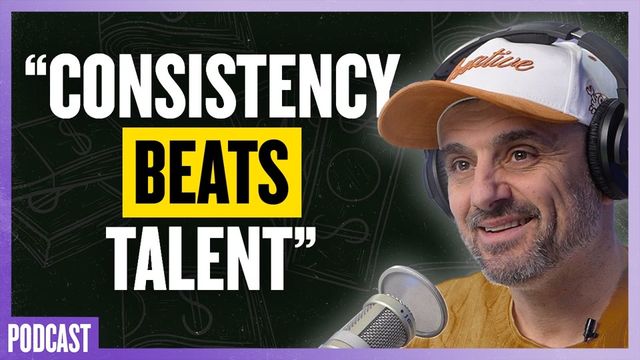
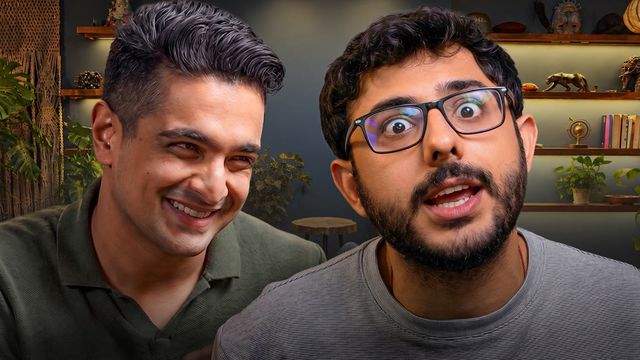
The best moments are found
The video is transcribed, every moment is scored, and the strongest are cut to 9:16 with a hook and title.
940:41Clip from 12:40880:33Clip from 38:05810:52Clip from 1:04:12Edit, download or post
Fix a caption or the look in the editor, then download or post to your connected accounts.
Start from a style
Pick a look, make it yours, save it to your brand kit.
Hours of editing, done in minutes
Move the slider to see what a week of clipping costs you.
By hand: watching back at 2× speed, then about 15 minutes to cut and caption each of 3 clips per hour. SocialShot: about 2 minutes of your time per clip to check and post it.
| Feature |  SocialShot | PrCcEditing by hand | OpVzUpload-only AI clippers |
|---|---|---|---|
| Live streams | Live streamsClips while the stream is still live | Only after the stream, by hand | Only a finished upload |
| Setup | SetupNothing to install, runs in your browser | An editing app to learn | Nothing to install |
| Finding moments | Finding momentsScored from chat, voice and what was said | Watch the whole thing back | Picks moments for you |
| Captions | CaptionsWord by word, timed to the voice | Typed and timed by hand | Word by word |
| Posting | PostingPosts to Shorts and Reels for you | Download and upload each one | Some can post |
| Price | PricePay per clip, no subscription | Free, but hours of your time | Usually a monthly plan |
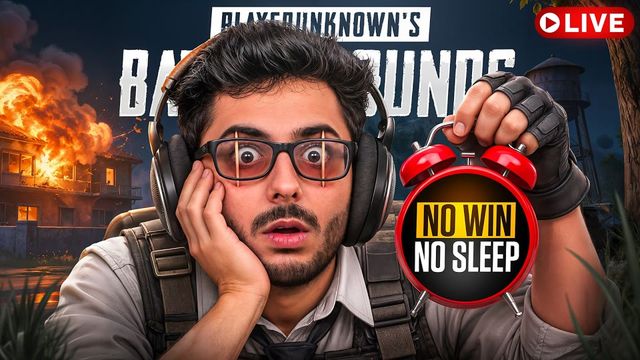
Made for every kind of clip
Streams, podcasts, gaming and long videos: one AI clip maker for all of them.
Guides for clippers and creators
 YouTubeThe best time to post YouTube Shorts, and how to find yours
 ClippingClipping campaigns: how they work and what they really pay
 CricketCricket Shorts and Reels that grow your channel, without copyright strikes
Free. Bring your own AI key.
The Windows app costs nothing. You only pay your AI provider for what you use, on your own account.
Clip streams and videos on your PC. Add your AI key (OpenAI, Gemini, Claude and more) under Settings, AI, and you're set. No card, no subscription.
Get the Windows appThe same SocialShot in your browser, with nothing to install and no key to set up. Leave your email and we'll tell you when it opens.
Get notifiedIncluded with every clip
- Captions and a score
- The full clip editor
- Live stream clipping
- Brand kit and caption styles
- Posting to Shorts, Reels and TikTok
- Download and keep every clip
Questions people ask first
Everything people ask before their first clip.
01Is SocialShot free?
Yes. The Windows app is free, with every feature. You add your own AI key (OpenAI, Gemini, Claude and more) and pay that provider only for what you use. A cloud version that needs no key is coming in a few days.
02Do I need to install anything?
For now, the free Windows app. Leave your email at the top of the page and we send the download with a short install guide. The cloud version, coming in a few days, runs in your browser with nothing to install.
03Does it work while I'm streaming?
Yes. Add the creator once and SocialShot records whenever they go live, saving clips during the stream so the first ones are ready before it ends.
04Who owns the clips?
The clips you make are yours to download and post. The original stream still belongs to its creator, so follow their rules for clipping and posting.
05How fast are the clips?
A 15-minute video usually comes back in about two minutes. Live streams hand over their first clips while the stream is still going.
06Which videos work best?
Anything with people talking and reacting: live streams, gaming VODs, podcasts and interviews, from YouTube, Twitch, Kick or your own files.
07Can I change a clip afterwards?
Yes. Open any clip in the editor to fix captions, change the font and colours, trim it, and save it again.
08Can I clip any streamer?
SocialShot is a tool. You are responsible for having the right to clip and post a creator's content; most clipping programs ask you to follow the creator's own rules.
Ready to clip your next stream?
Get the free Windows app, add your AI key and clip your next stream tonight.
* free, no card, cloud version in a few days