SocialShot
Turn long videos into YouTube Shorts with AI
Paste a YouTube link. SocialShot finds the parts worth watching, cuts them to 9:16 with captions and a hook, and can post them straight to your Shorts channel.
- Free, no card
- Your own AI key
- Cloud version in a few days
Long video in, Shorts out
Cutting Shorts by hand means watching the whole video again, finding a moment, reframing it, captioning every word and exporting it, once per Short. SocialShot does that part. You choose which clips to keep.
- Works from YouTube, Twitch and Kick links, or your own files
- Vertical 9:16 at 1080×1920, with the speaker kept in frame
- A hook on screen and a title ready to paste
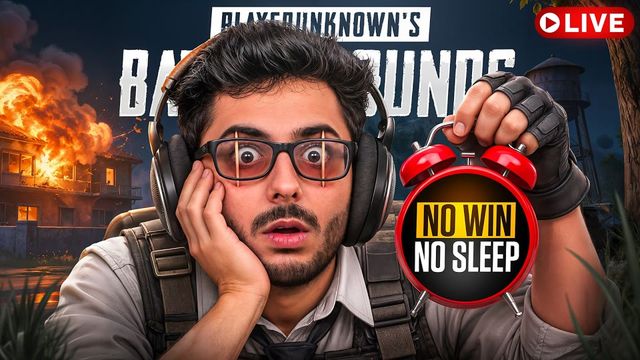
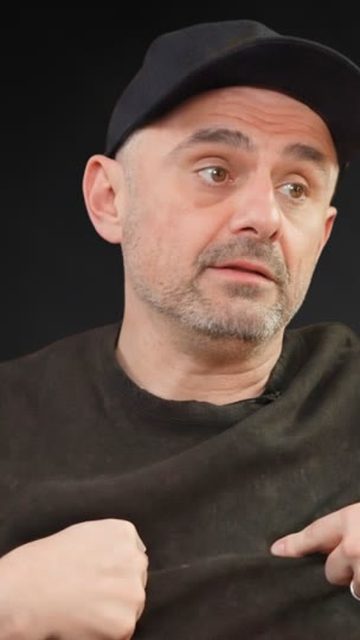
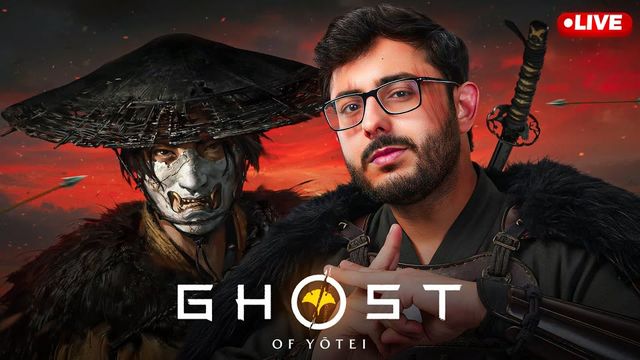
What makes a Short worth watching
A moment, not a minute
Each clip starts close to the payoff. SocialShot looks for a line, a reaction or a turn people respond to.
Readable with the sound off
Most Shorts are watched muted at first. Word-by-word captions keep people watching until they tap for sound.
Posted often
One long video can become several Shorts. Put them on a schedule so your channel posts every day.
Make your first Shorts
Paste a link
Any YouTube video you have the right to use, or a Twitch or Kick stream.
Pick your clips
Every clip has a score and a reason. Keep the ones you like and trim or restyle in the editor.
Post to Shorts
Send a clip to YouTube Shorts now, or line it up on the calendar.
Common questions
Not sure it fits your stream? Paste one link and see what gets picked.
01How do I turn a long YouTube video into Shorts?
Paste the video link into SocialShot and press Make clips. It transcribes the video, scores every moment, and cuts the best ones into vertical Shorts with captions. A 15-minute video usually takes about two minutes.
02Is this YouTube Shorts maker free?
Yes. The Windows app is free, with every feature and no card. You add your own AI key (OpenAI, Gemini, Claude and more) and pay that provider only for what you use. A cloud version that needs no key is coming in a few days.
03Can it post to my YouTube channel?
Yes. Connect your YouTube account in SocialShot, then post a clip now or put it on the schedule.
04What kind of videos make the best Shorts?
Anything with people talking and reacting: streams, podcasts, interviews, commentary and reaction videos.

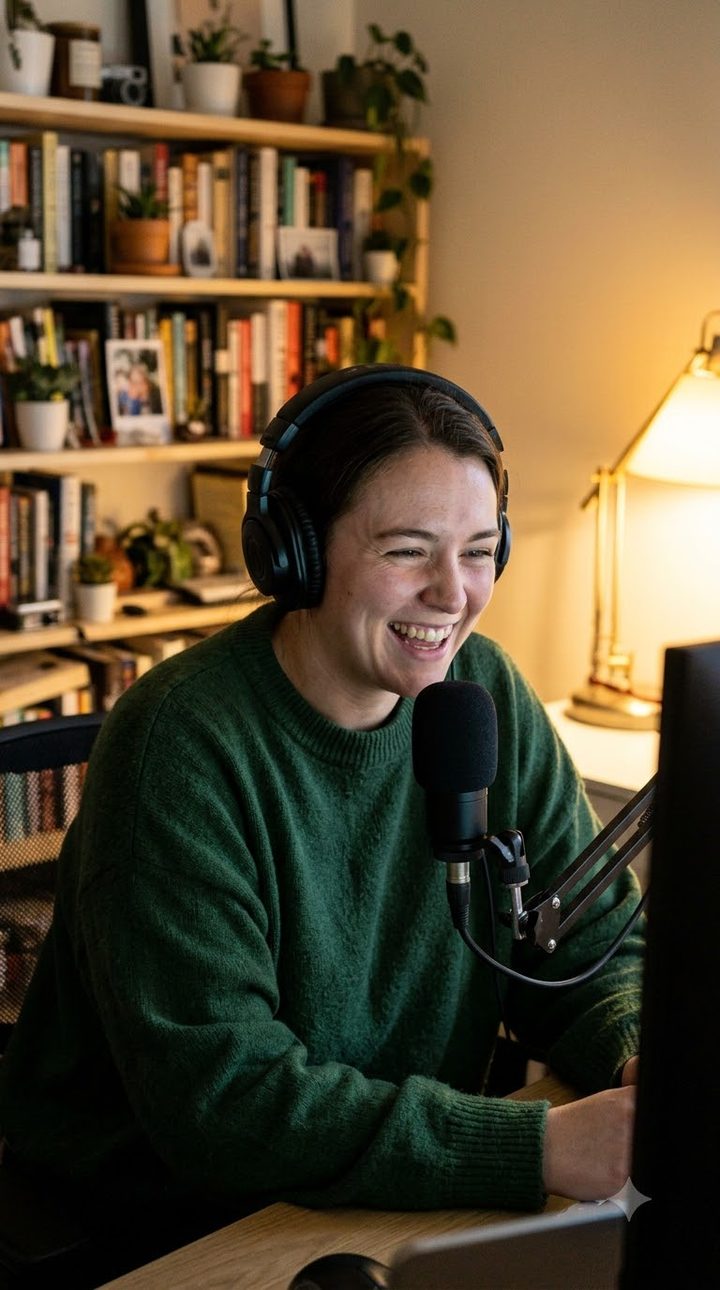
Ready to clip your next stream?
Get the free Windows app, add your AI key and clip your next stream tonight.
* free, no card, cloud version in a few days