How to make podcast clips people actually watch
Most podcast clips get scrolled past in a second. Here is how to pick the moment, open with a hook, caption it and post it so one episode becomes a week of clips.
 SocialShot team17 Nov 20262 min read
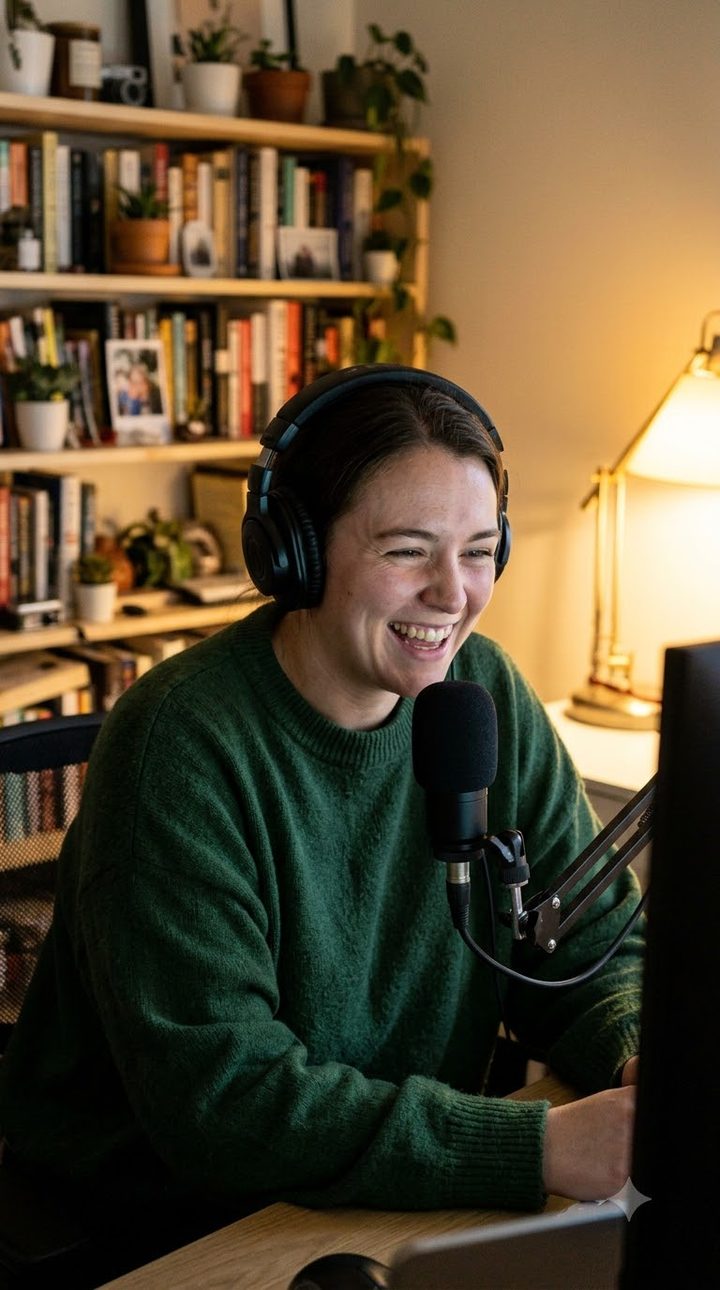
A good podcast clip does one job: it makes a stranger want to hear more. Most clips fail at it in the first second, because they open on small talk, are silent without captions, or cut off mid-sentence. Here is how to make podcast clips that get watched to the end.
1. Pick moments that stand on their own
The best podcast clips make sense without the rest of the episode. Look for:
- A strong opinion stated plainly.
- A short story with a turn or a punchline.
- A surprising fact or number.
- Disagreement between hosts, where both sides are clear.
- Laughter. Real reactions are what people share.
Skip anything that needs "as we said earlier". If you have to explain the setup, it is not a clip.
2. Start on the hook
Cut straight to the line that makes people curious. If the best line comes at the end, put a short version of it on screen as text at the start. You have about a second before someone decides to keep watching.
3. End on a full stop
Let the thought finish. A clip that cuts off mid-sentence feels broken and gets skipped next time. A clean ending also makes people more likely to watch it again.
4. Caption every word
Most people start short videos with the sound off. Captions timed to each word, with the current word highlighted, keep the eye moving and the viewer watching until they turn the sound on. Use a bold, readable style and keep it clear of the speaker's face. See auto captions.
5. Frame the speaker vertically
For video podcasts, crop to whoever is speaking in a 9:16 frame. For two hosts, switch between them, or stack both faces. Audio-only podcasts can use an audiogram or a still with large captions, but video clips usually do better.
6. Turn one episode into a week
Instead of posting five clips the day the episode comes out, spread them out. A weekly show can post a clip a day until the next episode, across YouTube Shorts, Instagram Reels and TikTok. Each clip is another way into the full episode.
7. Write titles like search terms
Say what the clip is about in plain words people search for: the topic, the guest's name, the question answered. Clever titles are fine; vague ones are not.
Doing this without spending your week editing
Finding moments, cutting, framing and captioning by hand can take longer than recording the episode. A podcast clip maker like SocialShot reads the whole transcript, picks complete thoughts people react to, frames the speaker and adds captions. You review the picks, fix a word if needed, and schedule the week.
Quick checklist
- Does it make sense without the episode?
- Is the hook in the first second?
- Does it end on a finished sentence?
- Is every word captioned and readable?
- Is the speaker framed in 9:16?
- Is it on the schedule, not dumped all at once?
Questions
01How long should a podcast clip be?
Usually 30 to 60 seconds: long enough for one complete thought, short enough to watch to the end. Strong stories can run longer.
02How many clips should I make per episode?
Enough to post regularly until the next episode. For a weekly show, that is often five to seven clips.
03Do podcast clips need captions?
Yes. Most people watch short videos with the sound off at first, and captions are what stop them scrolling.