GTA 6 launch week: how to clip the moments everyone will search for
GTA 6 is days away, and its first week will be one of the most-watched in streaming. Here is how to turn your GTA 6 streams into clips while people are still searching for them.
 SocialShot team17 Nov 20263 min read
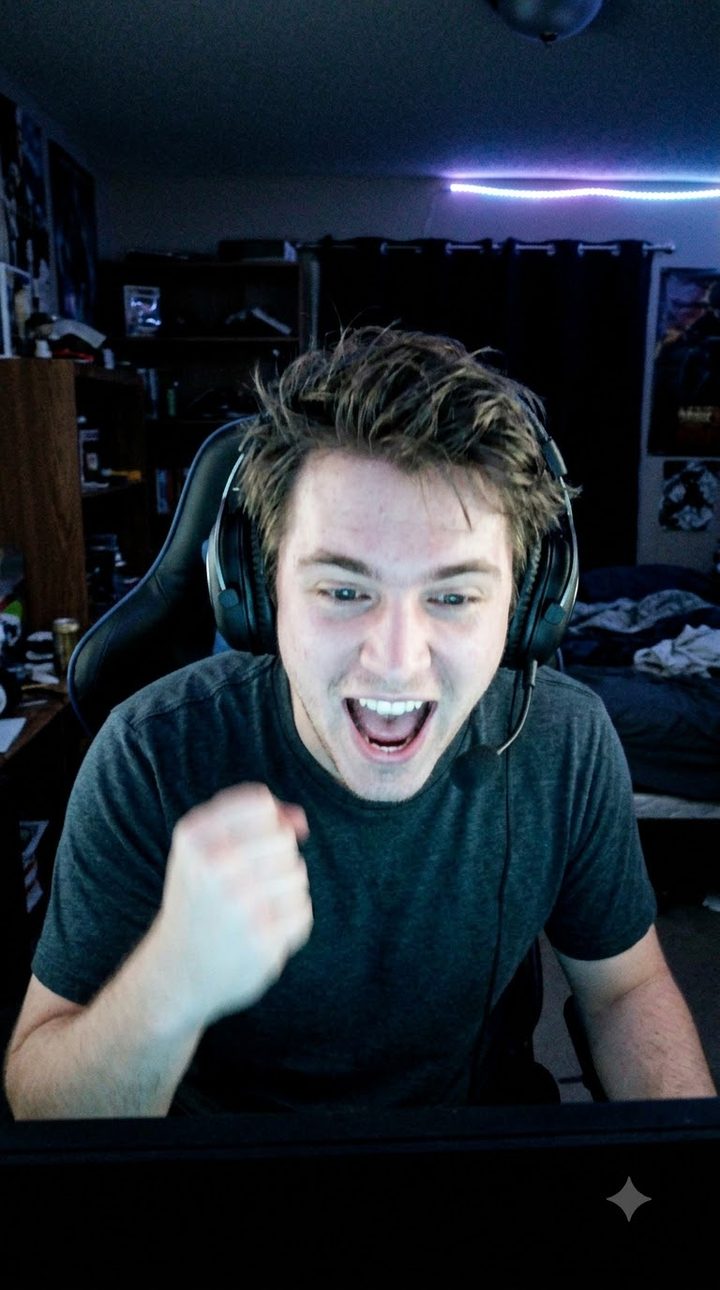
Grand Theft Auto VI is set to launch on 19 November 2026 for PlayStation 5 and Xbox Series X|S, according to reports at the time of writing. After years of trailers and two delays, launch week will put a huge number of people on GTA 6 streams at once, and searches for GTA 6 clips will follow.
For streamers and clippers, that is a short window. The first week decides whose clips people find. This guide covers what to clip, how to clip it fast, and how to post it while the game is still the main thing people are searching for.
Why GTA 6 launch week is different
A new open-world game produces moments nobody has seen before: the first chase that goes wrong, the first ridiculous physics bug, the first look at a new part of the map. In the first days, those moments are news. A week later, they are just gameplay.
That means speed matters more than polish. A clip posted the same night will usually do better than a perfect edit posted three days later, because people are actively searching for GTA 6 right now.
What to clip in GTA 6
- First reactions. Your first look at a new area, vehicle or character. Viewers want to see the surprise as much as the game.
- Chaos that escalates. A small mistake that turns into a five-star chase. Start the clip at the mistake, end at the crash.
- Bugs and physics fails. Launch-week glitches get shared fast. Keep them short.
- Chat moments. When your chat floods because of something you said or did, that is usually your best clip.
- Comparisons. "Then and now" moments that compare to earlier games are easy to understand without sound.
Avoid clipping story spoilers into your titles and thumbnails in the first days. Many viewers are avoiding them, and a spoiler in the title can get your clip reported or skipped.
How to clip GTA 6 streams fast
Option 1: clip by hand
On Twitch, a viewer or the streamer can press Alt+X (Option+X on a Mac) to save the last few seconds of the stream, then trim it to between 5 and 60 seconds. Our guide on how to clip on Twitch covers it step by step. It works, but someone has to be watching at the right moment, and the clip is still horizontal.
Option 2: clip automatically while you are live
A live stream clipper like SocialShot records the stream as it happens and saves a clip each time chat and your voice spike. You get vertical, captioned clips with a hook while you are still playing, so you can post them on a break or have a friend post them for you.
Make the clips work on Shorts, Reels and TikTok
- Go vertical. Put your face cam on top and the game below, or crop to the action. GTA's busy screen needs a clear focal point.
- Caption every word. Most people scroll with the sound off. Word-by-word captions carry the joke before they tap for audio.
- Hook in the first second. Put the payoff on screen early: "He did NOT see the train coming."
- Post often in week one. Several short clips a day beat one long video while interest is at its peak.
- Use clear titles. "GTA 6" plus what happens: "GTA 6 police chase goes wrong in 10 seconds." Keep spoilers out.
If you clip for other streamers
GTA 6 will bring a wave of clipping campaigns, where streamers pay clippers for views on their clips. Only clip streams you have permission to clip, credit the streamer the way their program asks, and follow each platform's rules on reuploads. If you are new to this, read what clip farming is and how clippers get paid.
The short version
Launch week rewards whoever posts first. Clip while you are live, post vertical clips with captions the same day, and keep spoilers out of your titles. The moments people search for in the first week of GTA 6 will not be searched for in the same way again.
Sources for release details: PCGamesN, Tom's Guide, GamesRadar. Twitch shortcut: Streamlabs.
Questions
01When does GTA 6 come out?
Rockstar has set 19 November 2026 for PlayStation 5 and Xbox Series X|S, according to reports at the time of writing. No PC date has been announced. Check Rockstar's official channels for the latest.
02How long should GTA 6 clips be?
Most launch-week clips work best between 20 and 45 seconds: start on the moment, end on the reaction. Longer clips can work for a complete mission fail or chase.
03Can I clip someone else's GTA 6 stream?
Only with permission. Many streamers run clipping programs that say which streams you may clip and how to credit them. Follow those rules and the platforms' own policies.